
Platform & brand
On every planSecurity and Access
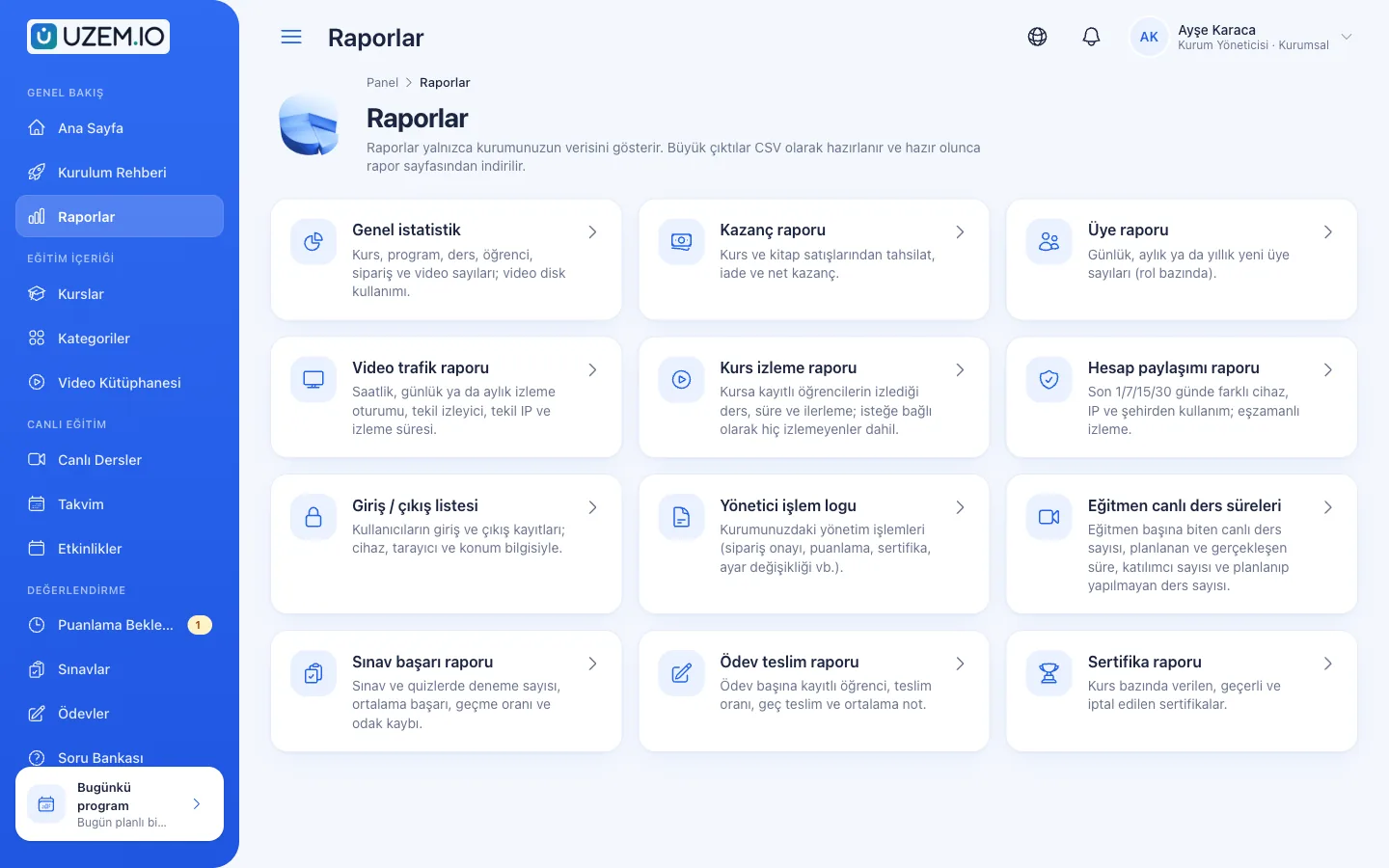
Control who accesses your academy and from where with two-factor authentication, a single-session rule, watermarked and signed video playback, and sign-in and account sharing reports.
Industries that benefit from this feature
- Banking and Finance
- Insurance
- Healthcare / Hospitals / Clinics
- Pharmaceuticals
- Aviation
- University
- Course Centers
- Publishing
Overview
Your hard-earned content, only for those entitled to it
Two risks stand out in online training: one account being used by several people, and paid or internal content leaking outside. UZEM reduces these risks with concrete tools you manage from the settings. Users can protect their accounts with two-factor authentication; you choose the single-session rule for learner accounts; videos play through short-lived signed links and, if you turn it on, a watermark carrying the viewer's details. Reports show who signed in from which device and location, which accounts may be shared, and what admins changed in the dashboard. Your data is backed up daily, encrypted, off-site.
- Account sharing becomes visible Use of the same account from different devices and cities stands out in the report.
- Content is harder to take outside Video links do not work elsewhere, and when you turn on the watermark it discourages screen recording.
- Admin actions are traceable Important changes in the dashboard are logged along with who made them.
- You set the rules Turn settings such as single session and watermarking on or off to fit your organization.
What can you do?
-
Two-factor authentication
Users enable a second step on their own accounts with an authenticator app.
-
Single session for learners
Off, warn or end the old session: your organization chooses what happens when the same learner account signs in from a new place.
-
Watermarked video
If your organization turns it on, the viewer's name, masked email and a timestamp appear on the player and move around.
-
Signed playback links
Videos play through short-lived links, only for people enrolled in the course.
-
Sign-in and account sharing reports
Sign-in/sign-out records, plus suspicious accounts flagged by device, IP and city variety.
-
Admin activity log and backups
Admin actions such as order approvals, grading, certificates and settings changes are logged; data is backed up daily, encrypted, off-site.
Before and after
Before
A learner's account is shared with a group of friends and no one notices.
Next
The account sharing report lists accounts used from different devices and cities.
Before
A video link can be copied and watched outside the organization.
Next
Links expire quickly and videos open only for enrolled learners.
Before
No one knows who changed a setting.
Next
The admin activity log shows who made the change and when.
FAQ
Frequently asked questions
If your answer isn't here, check the help center or write to us.
Help centerDoes the single-session rule affect instructors and admins?
No. The rule applies only to learner accounts; you choose one of the options: off, warn, or end the old session.
Is two-factor authentication mandatory?
Each user enables two-factor authentication from their own account security screen. There is no option to make it mandatory organization-wide.
Is the watermark distracting for learners?
The watermark appears as a small, semi-transparent label over the video and changes position at intervals. You turn it on or off in the organization settings.
Is enterprise single sign-on (SSO) available?
Yes, on request. The enterprise sign-in module is enabled for your organization after a conversation with our team; users sign in with your organization's own identity provider (OIDC: Microsoft Entra ID or Google Workspace). SCIM 2.0, for syncing user accounts from your identity provider, is also available on request. SAML and LDAP connections are not available.
Is our data kept separate from other organizations?
Yes. Each organization's data belongs to its own academy and is separated at the query level; a user of one organization cannot see another organization's data.
What happens to the personal data of a user who leaves?
An admin can anonymize the user's personal information; training statistics are kept without identifying the person.
Is our data backed up?
Yes. Your data is backed up daily, encrypted, off-site.
Solutions that use this feature
- Mandatory / Compliance Training If you replan KVKK, information security, OHS and internal policy training every year: assign it, verify completion with an exam, and keep a record of who took which training in reports; due dates, daily reminders and validity periods on request.
- Launch an Online Academy Quickly launch an online academy under your own brand on a free UZEM subdomain, without setting up servers, a software team or a separate payment system; connect your own domain on paid plans.
- Course Sales Sell courses, live training and books from your own storefront: cart, coupons, card payment through your own PayTR/iyzico account or bank transfer (bank transfer only for printed books), and order management in one dashboard.
- Certificate Programs Combine training, exams and certification in one flow: you set the success criteria, the certificate is generated automatically, and third parties verify its authenticity with a QR code.
Industries that benefit from this feature
Features in the same category
Get started now
Set up your academy today
Start on the free plan with no time limit and upgrade whenever you like.
- Free plan with no time limit
- No credit card required