
Platform & brand
On every planBranding and Appearance
Present your academy under your own brand in every plan with your logo, favicon, colors and fonts; on paid plans, connect your own domain too.
Industries that benefit from this feature
- Holdings and Groups of Companies
- Franchise and Dealer Networks
- Insurance
- Medical Devices
- Cosmetics / Beauty
- Publishing
Overview
Let learners see your brand
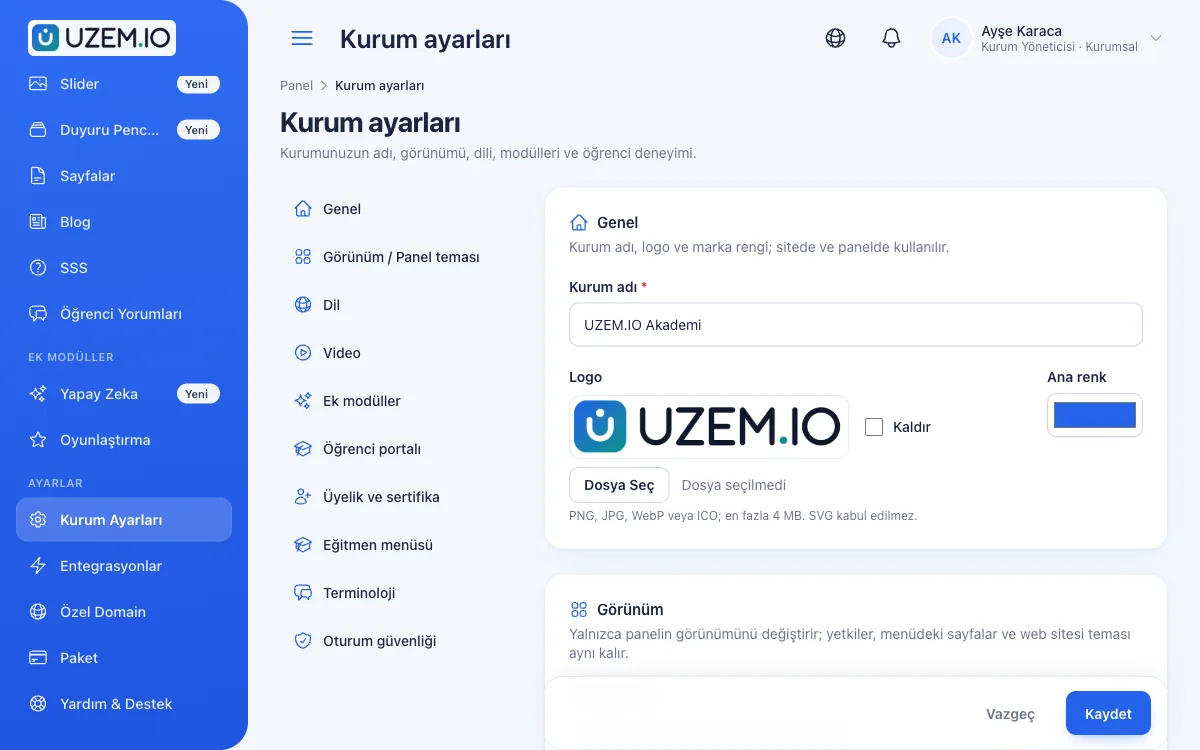
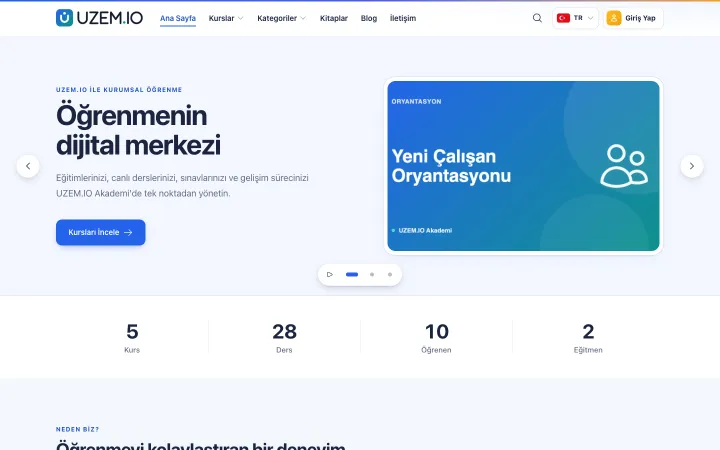
The learning experience is part of your brand. In UZEM, your academy's storefront and dashboard appear with your own logo, favicon, colors and fonts. The storefront is built on a single theme: you decide which of its 17 sections are shown and in what order, and set the colors and font. All of these appearance settings are available in every plan, including the Free plan. A small "Built with UZEM" link appears in the storefront footer and on sign-in screens in every plan; connecting your own domain is available on paid plans.
- A consistent brand experience Every screen, from the storefront to the dashboard, carries your corporate identity.
- No dependence on a designer Appearance settings are made from the dashboard.
- Safe customization The storefront theme is managed by the platform, so updates do not break your look.
What can you do?
-
Logo, favicon and colors
A logo, favicon and color palette that match your corporate identity.
-
Colors and font
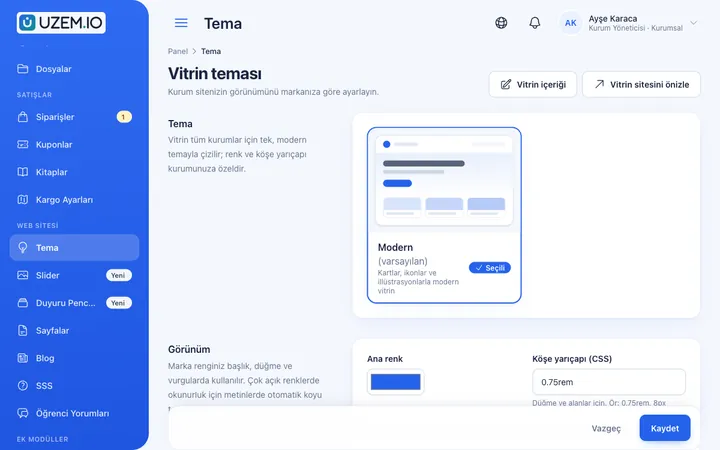
Choose the storefront theme's colors and font to match your corporate identity.
-
17 storefront sections
Set the order of the 17 sections in the single storefront theme and turn each one on or off.
-
Dashboard look
A standard or modern look for the learner and admin dashboards.
-
Private portal mode
Turn off the storefront and show only the sign-in screen; ideal for internal academies.
-
Your own domain
On paid plans, publish your academy on your own domain.
Sample screens
Real screens from the admin, instructor and learner side.
Before and after
Before
The training platform carries another brand's look.
Next
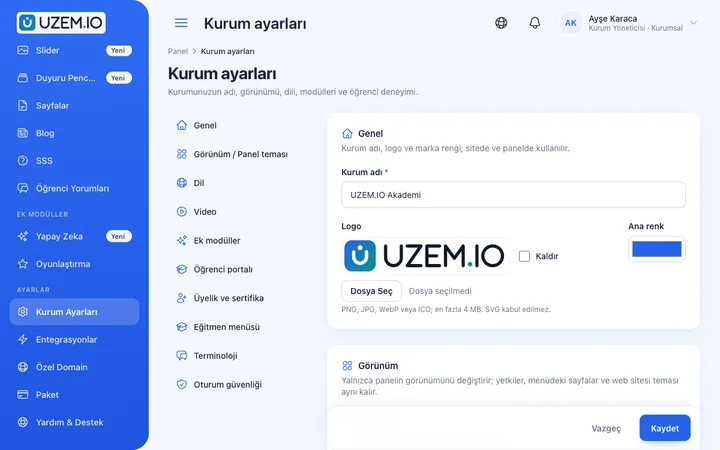
The academy carries your corporate identity with your logo, colors and font.
Before
Changing the look requires software support.
Next
Color, logo, font and section settings are made from the dashboard.
FAQ
Frequently asked questions
If your answer isn't here, check the help center or write to us.
Help centerCan we upload our own theme code?
No. For security and updatability, the storefront theme is provided by the platform; you adjust its colors, font and sections to your own identity. Custom design needs are evaluated as a professional service on a quote basis.
Can we pick a different storefront theme?
The storefront is built on a single theme. The choice and order of its 17 sections, the colors and the font make it your own; your content is preserved when you change these settings.
Can we run the academy as closed, sign-in only?
Yes. In private portal mode, the storefront is turned off and only the sign-in screen is shown.
Is a UZEM link visible in our academy?
Yes. A small "Built with UZEM" link appears in the storefront footer and on sign-in screens in every plan; this link cannot be removed. Your logo, favicon, colors, font and storefront sections are yours in every plan; on paid plans, you can also connect your own domain.
Solutions that use this feature
- Partner / Dealer Training If your dealers and partners learn about product changes late and incompletely: use a separate academy that carries your brand to deliver knowledge to every location at once, at the same quality.
- Customer Training Cut down the “how do I use this” questions reaching your support team: open a branded training center that teaches customers your product with video lessons, short quizzes and certificates.
- Launch an Online Academy Quickly launch an online academy under your own brand on a free UZEM subdomain, without setting up servers, a software team or a separate payment system; connect your own domain on paid plans.
- Course Sales Sell courses, live training and books from your own storefront: cart, coupons, card payment through your own PayTR/iyzico account or bank transfer (bank transfer only for printed books), and order management in one dashboard.
Industries that benefit from this feature
Features in the same category
Get started now
Set up your academy today
Start on the free plan with no time limit and upgrade whenever you like.
- Free plan with no time limit
- No credit card required