
What do you want to achieve?
Mandatory / Compliance Training
If you replan KVKK, information security, OHS and internal policy training every year: assign it, verify completion with an exam, and keep a record of who took which training in reports; due dates, daily reminders and validity periods on request.
Suitable industries
- Corporate Companies
- Holdings and Groups of Companies
- Retail and Store Chains
- Logistics and Transportation
- Industry and Manufacturing
- Banking and Finance
- Insurance
- Healthcare / Hospitals / Clinics
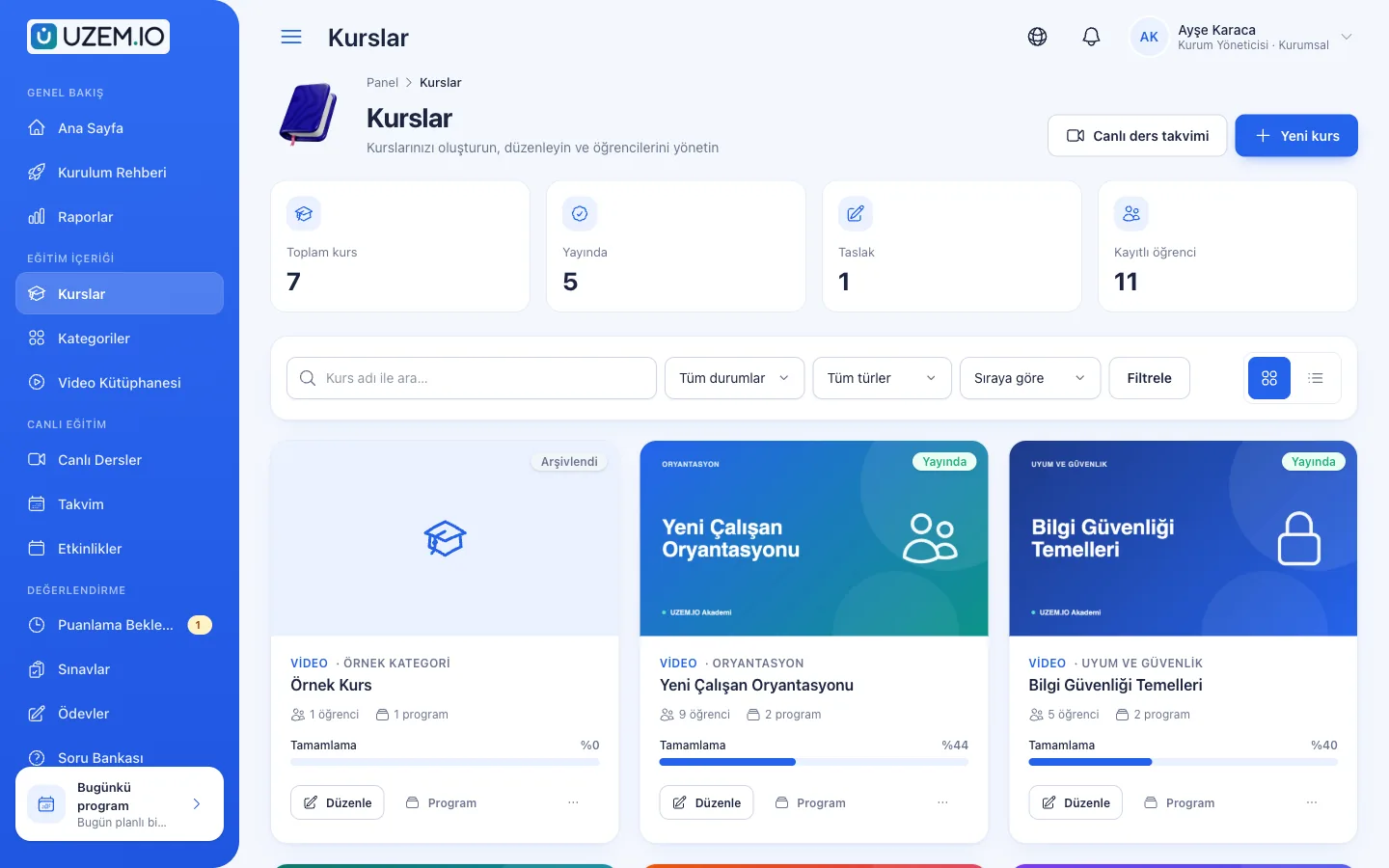
Overview
A consistent, trackable process for recurring training
Training on personal data protection, information security, occupational health and safety or codes of ethics is repeated every year, and its records must be kept in order. UZEM lets you assign this training to units and track in one place who completed it, what they scored on the exam and when they received their certificate. With the mandatory training module, enabled for your organization on request, you can set due dates and validity periods and send automatic daily reminders to employees whose deadline is near or has passed. The platform organizes the training process and its records; your organization decides which training is required by which regulation and whether the content is adequate.

Problems and solutions
Problem
Completion records are kept in separate spreadsheets and merged by hand before audits.
Solution
Completion, exam and certificate data are kept in one place in reports, filtered by unit and exported as CSV, Excel or PDF.
Problem
New employees miss mandatory training.
Solution
Training is assigned to units; employees newly added to a unit are enrolled automatically.
Problem
There is no record that the training was read and understood.
Solution
A final exam with a passing score verifies understanding, and those who pass receive a certificate.
Problem
Employees who fall behind are reminded one by one.
Solution
Reports identify who has not completed; with the mandatory training module (on request), automatic email reminders go out daily as the due date nears and once it has passed.
Problem
No one tracks when a training’s validity runs out.
Solution
In the mandatory training module (on request), you set a validity period; reminders go out as it nears its end, expired records are flagged in reports, and you reassign the training.
Who is it for?
Compliance and internal control teams
Units that want to keep completion records of mandatory training in order.
Occupational health and safety units
Teams that deliver periodic awareness training to employees.
Information security teams
Teams that want to deliver awareness training to the whole company and see the results.
Human resources
Teams that want new employees to complete mandatory training when they start.
Use cases
- KVKK awareness training What personal data is under KVKK (Turkish data protection law), protecting it in daily work and the steps to take if a breach is suspected.
- Information security awareness Short lessons and an exam on phishing, password hygiene and device security.
- Occupational health and safety briefing Content on workplace risks and emergency steps.
- Ethics and code of conduct Internal ethical principles, conflicts of interest and reporting channels.
- Annual renewal period Reassign the same training every year and track completion for the new period.
Features
Features used
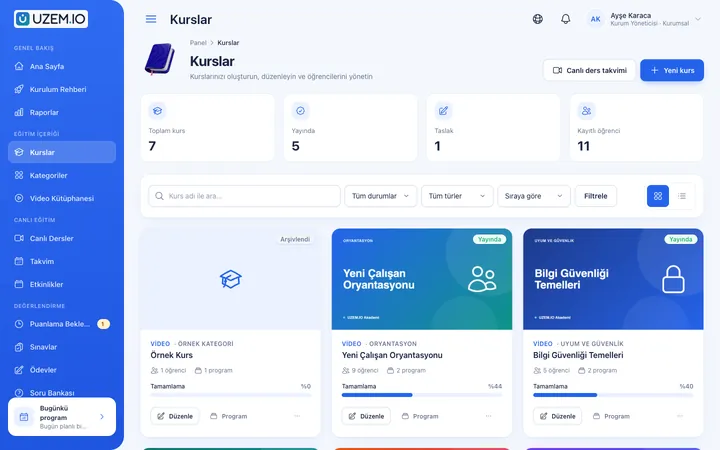
Course and Program Management
Organize your courses into programs and lessons; bring video, text, PDF, files, exams and live sessions together in a single flow.
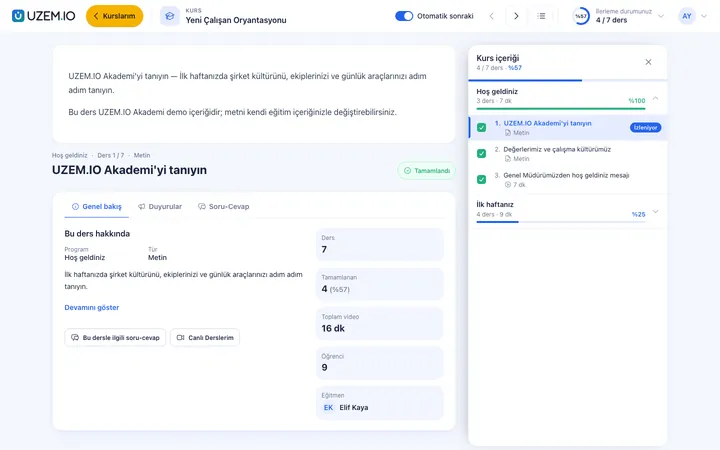
Video Training
Publish your video lessons through signed, short-lived links; record real watch time and complete lessons at 90% viewed.
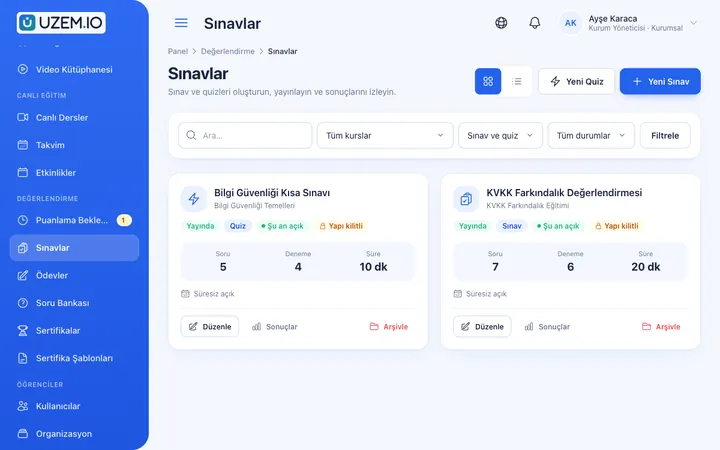
Exams
Measure learning with timed exams and quizzes; you decide the passing score, attempts, question shuffling and result visibility.
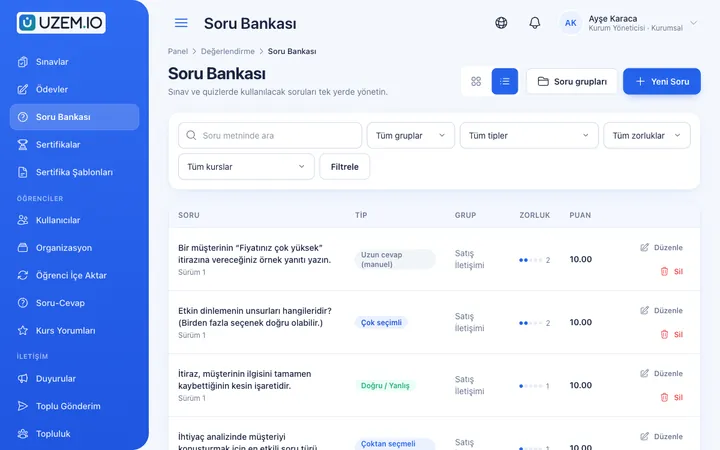
Question Bank
Prepare your questions once with groups, difficulty levels and explanations, then reuse them across different exams.
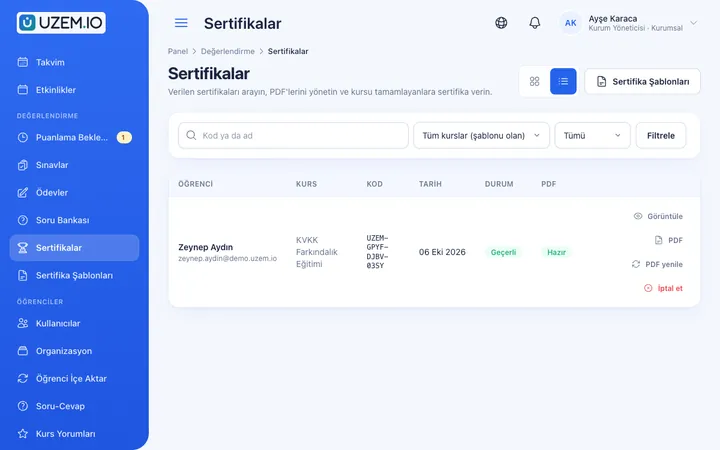
Certificates
Automatically issue certificates in your own design, verifiable by QR code, to everyone who completes a course.
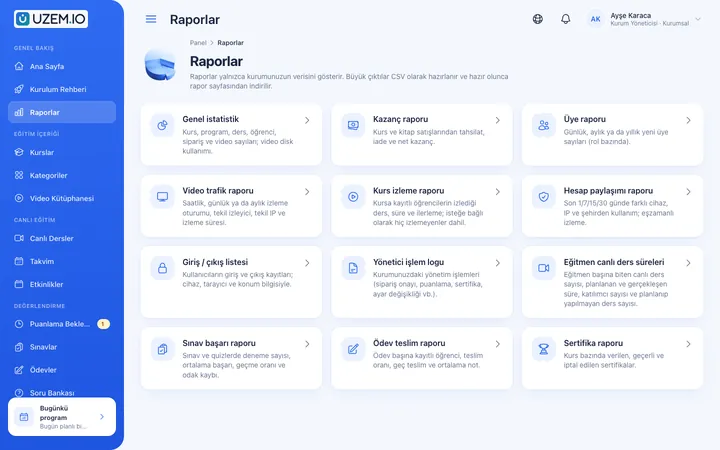
Reporting
Report on course progress, video viewing, exams, assignments, certificates, live sessions and sales; export to CSV, Excel or PDF, or get reports by email weekly or monthly.
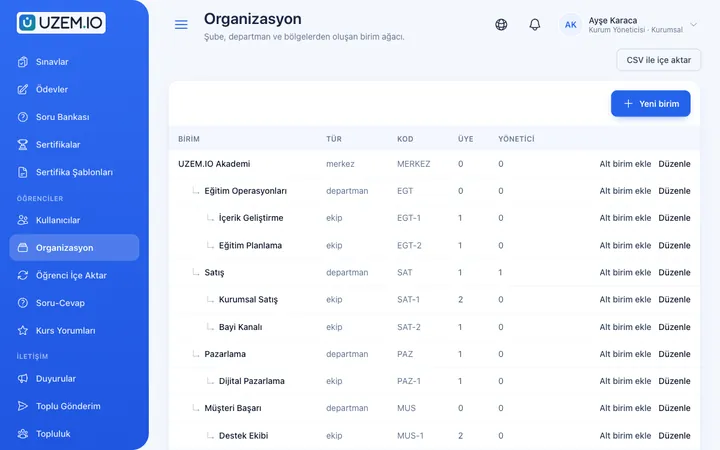
Organization Units
Build your departments, branches, regions and stores as a unit tree; assign training to units and let managers follow their own units in read-only mode.
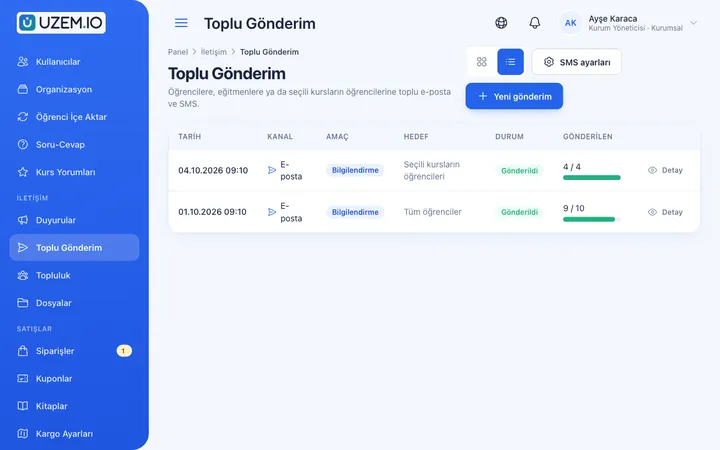
Notifications
Deliver events such as announcements, exam results and assignment grades through in-app notifications and email; send bulk messages.
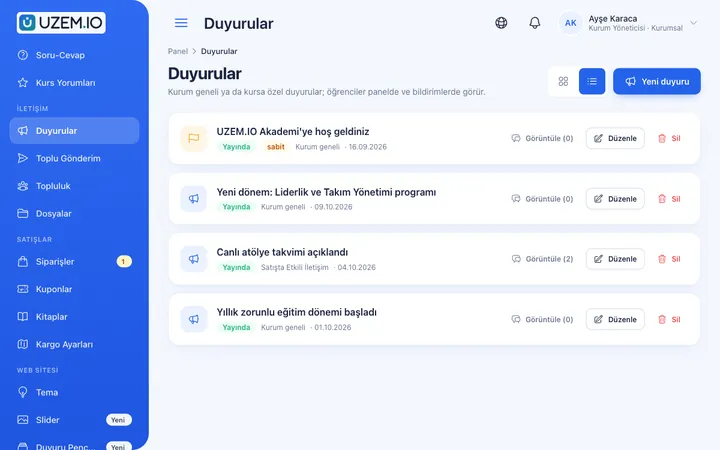
Announcements
Publish announcements to your whole academy or to specific courses, so important information does not get lost in email and chat groups.
Security and Access
Control who accesses your academy and from where with two-factor authentication, a single-session rule, watermarked and signed video playback, and sign-in and account sharing reports.
Try this setup in your own academy
No credit card required; explore a dashboard set up with sample content right away.
How does it work?
- Build the training catalogPrepare your mandatory training as courses with content, exams and a certificate template.
- Assign to unitsAssign training to the relevant units; sub-units and new employees are included automatically.
- Track and remindSee who has not completed in reports and remind them with announcements and notifications; if the mandatory training module is enabled, due-date reminders go out automatically every day.
- Export the recordsAt the end of the period, export completion and certificate records as CSV, Excel or PDF.
Sample courses
- KVKK Basic Awareness Core concepts, everyday work examples and a final exam.
- Annual Information Security Refresher Current threats and safe working habits.
- Occupational Health and Safety Briefing Workplace risks, ergonomics and emergency procedures.
- Ethical Principles and Reporting Channels Codes of conduct and how to report suspicious situations.
Orderly records you can use to prepare for audits
Reports show who completed which training and when, exam results and certificates issued. This data can be filtered by unit and exported as CSV, Excel or PDF; large exports are prepared in the background. If the mandatory training module is enabled, overdue assignments and those whose validity is about to expire are listed in separate reports. The records can be used in your organization’s internal and external audit preparation.
FAQ
Frequently asked questions
If your answer isn't here, check the help center or write to us.
Help centerDoes UZEM ensure regulatory compliance on its own?
No. UZEM is a tool that lets you assign training, track completion and keep records in order. Which training is mandatory, whether the content is adequate and how regulations are interpreted are the responsibility of your organization and its advisors.
Is ready-made mandatory training content available?
Sample course templates suited to your industry may be provided when the academy is set up; you need to adapt them to your own policies.
Can we reassign the training every year?
Yes. You can reassign the training for the new period or publish it as a new, updated course.
Can we set due dates and automatic reminders?
Yes, with the mandatory training module, which is enabled for your organization on request. You assign a course as mandatory to selected people or a unit and set the due date as a number of days after assignment or as a fixed date. Automatic email reminders go out daily as the due date approaches and after it passes; unit managers see their team’s status read-only.
Can training have a validity period?
Yes, in the mandatory training module. Reminders go out as the validity period nears its end; once it expires, the record is marked as expired and shown in reports. To renew, you reassign the training; assignments do not renew on their own.
How do we get completion records?
On the reports screen, filter by unit and course and export as CSV, Excel or PDF.
Can an exam passing score be set?
Yes. You can set a passing score for each exam and make the certificate conditional on passing.
Industries using this solution
Get started now
Set up your academy today
Start on the free plan with no time limit and upgrade whenever you like.
- Free plan with no time limit
- No credit card required